View change history
As you work on your plan, you and your colleagues naturally make many changes. How do you see a log of the audit trail? All changes are logged in Change history.
Start
-
Open a plan.
-
From Actions, select View change history.
-
Filter which changes appear in the change history grid. For more information, see Change history filters.
-
View the changes in the change history grid. For more information, see Change history grid.
-
Select
 and then select one of the following:
-
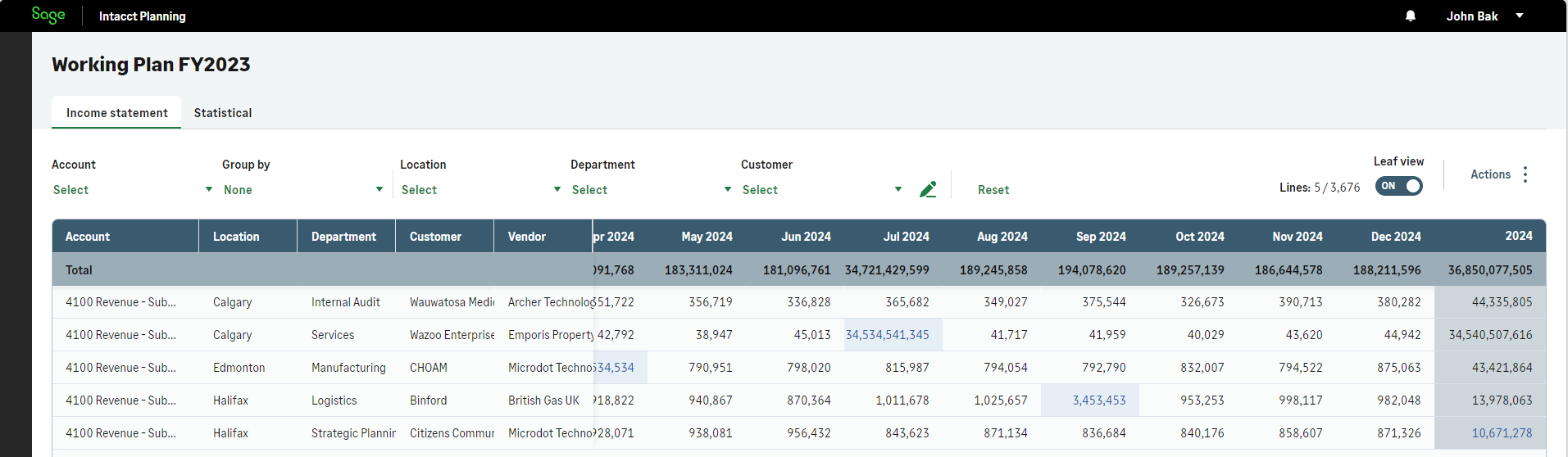
Show changes in your plan: Enables you to view the changes in your plan when you close the Change history flyout. The changes appear with a light blue shade.
-
Export: Downloads the filtered changes to an Excel file.
-
Change history filters
The following table describes the change history filters:
| Filter | Description |
|---|---|
|
From |
Select the date from when to show changes. |
|
To |
Automatically set to the current date so you always see the latest changes. |
|
Show last changes only |
Determine the extent of cell history that appears:
|
|
Include merge records |
Determine if merged changes appear:
|
|
User / Account / Dimensions |
Filter which changes appear by user, account, or dimension. |

|
Select which dimensions to filter by. |
|
Reset |
Reset all filters to default. |
| Description of change history filters | |
Change history grid
The following table explains the change history columns:
| Column | Description |
|---|---|
|
Icon |
|
|
Date and time |
The date and time of the change. |
|
User |
Name of user that made the change. |
|
Account |
The account that the change affects. |
|
Dimensions |
Dimensions associated to the affected account. |
|
Time period |
The time the change occurred, as follows:
|
|
Previous |
The cell value before the change. If you changes a formula, |
|
New |
The cell value after the change.
|
| Description of the change history table columns | |
 : A change made by a user or a new plan line. See
  : A change that results from by a merge. See
  appears. Hover (or press and hold) to view the previous formula.
Is this helpful?
In this topic