Initiate Enhanced Planning
Welcome! Let's see how to initiate Planning and log in for the first time.
Single sign-on (SSO)
Enhanced Planning uses SSO with Sage Intacct Financials, so after you log into Sage Intacct Financials, you don't need to log in separately to Planning.
The user management system in Planning is based on users from Sage Intacct Financials. To add users in Sage Intacct Financials, see Add a user in the Sage Intacct Financials help center.
Initiate Enhanced Planning
Start
-
Log in to Sage Intacct Financials with the credentials of the organization that you want to initiate Planning for.
-
Check your User information in Sage Intacct Financials as follows:
-
From Company > Users, navigate to your user and select Edit.
-
In Product access, make sure Planning is checked.
-
In Sage Intacct Financials permissions > Admin privileges, make sure it is set to Full.
-
Select Save.
-
-
From the email invitation, open the Initiate Sage Intacct Planning link.
-
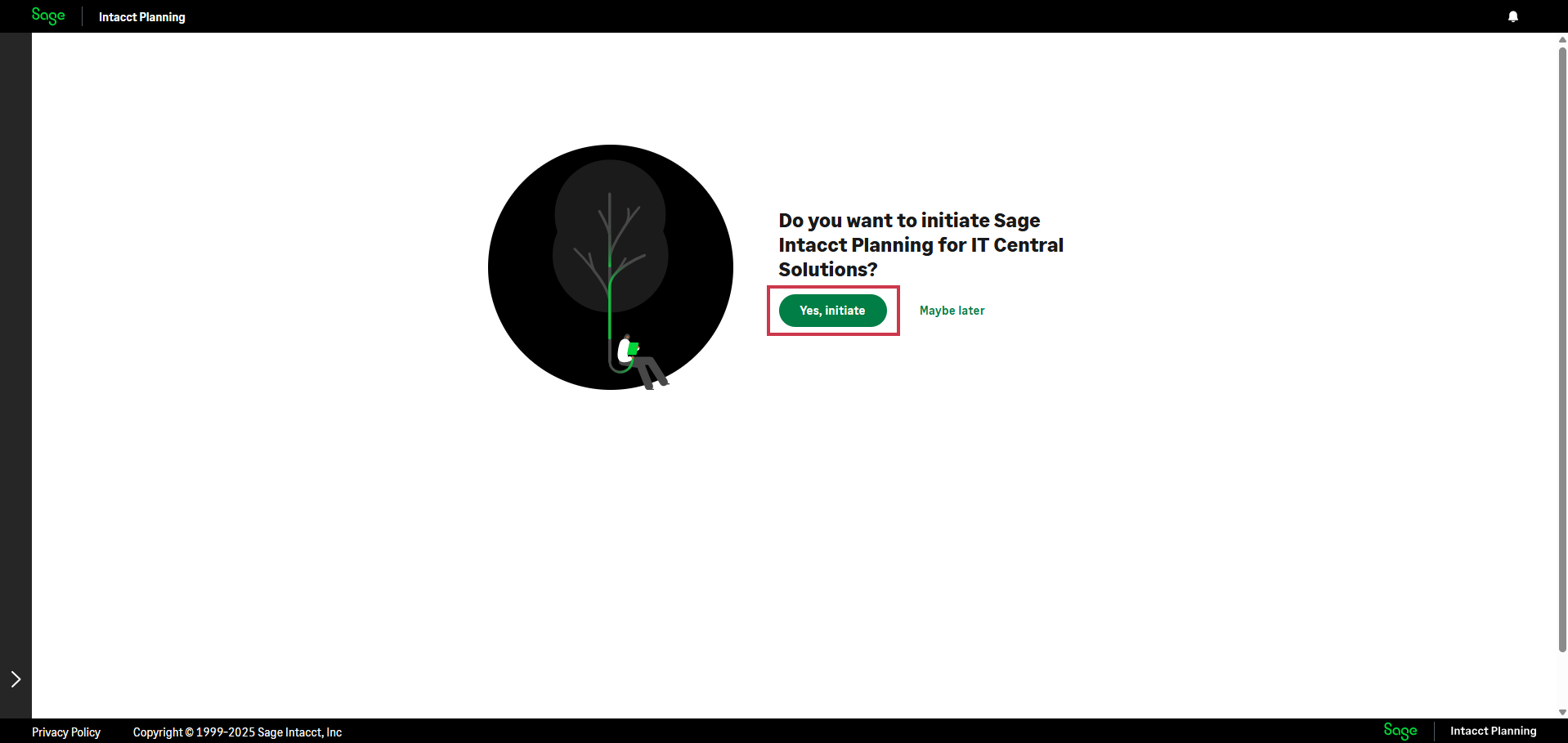
From the window that opens in your browser, select Yes, initiate.
-
(Optional) Invite other users from your organization to Planning, as follows:
-
From Company > Users, navigate to the user and select Edit.
-
In Product access, make sure Planning is checked.
-
-
The first user that logs in to Planning is defined the first owner. Do one of the following:
-
If you want to be the first owner, log in to Planning with the following link: https://core.intacct-planning.com/login
-
If you want another admin that has full privileges other than yourself to be the first owner, share the following link with them and make sure they log in: https://core.intacct-planning.com/login
You can add and remove owners at any time. There needs to be at least one owner. For more information, see Manage user permissions.
-
Roles in Planning
In Planning, there are 2 types of roles:
| Role | Permissions |
|---|---|
|
Owner |
|
|
User |
|
| Roles in Planning | |
Who can be an owner?
The Sage Intacct Financials Admin who initiates Planning is automatically an owner. Each organization requires at least one owner, and an owner can always appoint other owners if needed. Owners can modify user permissions at any time.
Add users, grant access, and share plans
Only owners can add users, grant access, and share plans.
Start
-
Share the following link with a Sage Intacct Financials user from your organization: https://core.intacct-planning.com
-
Make sure they open Planning, otherwise they won't be added as users in Planning.
-
In Planning, navigate to Settings > Permissions Management.
-
Users can only see plans after you grant them access to plan data and share plans with them. Do the following:
-
Grant users access to plan data, as described in Manage user permissions.
-
Share plans with users, as described in Share and unshare plans.
-
Is this helpful?
In this topic