Owners only
Share and unshare
Planning doesn't end after you create a plan. At some point, you need input from colleagues. Share your plan to bring others in on the action. Use this process to delegate updates, collect feedback, or distribute a final version for review.
You remain in control of who sees what, so you can be at ease while your team works in sync. Remember to first define user level of access before you share plans, as discussed in Manage user permissions. To share a version as read-only, lock it first, as discussed in Lock and unlock.
Start
-
Open a plan.
-
From Actions, select Manage versions.
-
Navigate to the version you want to share or unshare.
-
Select
 and then Manage sharing.
 -
From the User dropdown list, do one of the following:
-
Share: Select a user to add a
 next to their name.
 -
Unshare: Select a user who already has a
next to their name.
-
-
Select Save.
A success or failure message appears in Notifications.
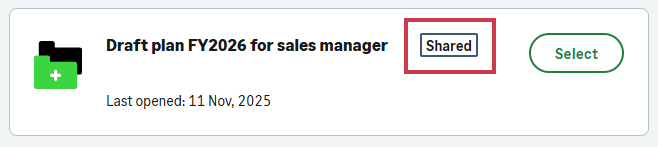
From the home screen,  appears next to the plan name.
Is this helpful?
In this topic